How To Lock Your Physical Business Into Every AI Image With Location Grounding
FLB Studio
May 15, 20266 min read
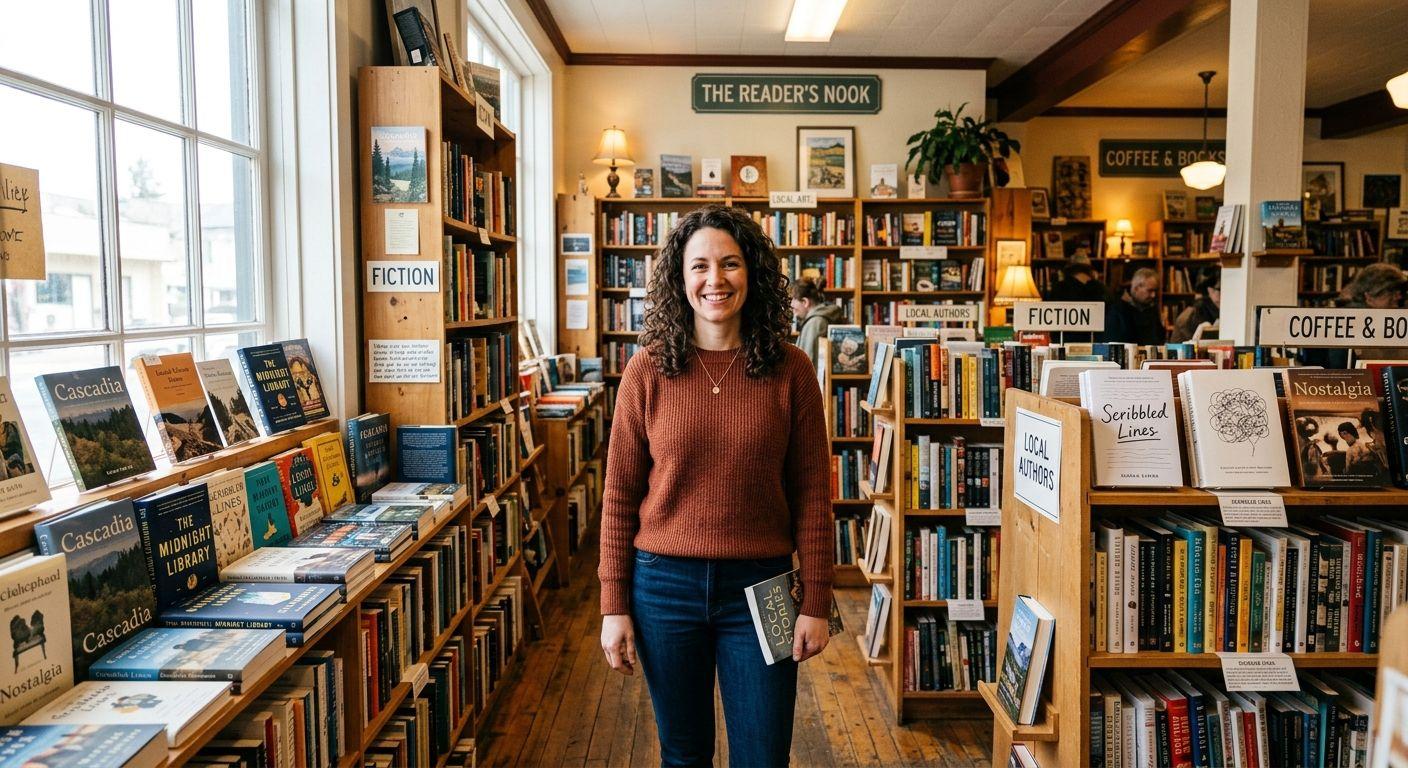
If you run a local business and you have ever generated an AI image of a character standing in "a cafe" or "an indie shop", you have probably noticed the problem. The space the model invents is fine, but it is not your space. The shelves are wrong, the tile is wrong, the light from your one good window is wrong, and the customers who follow you for the feeling of being in your shop pick up on the mismatch instantly. The fix is location grounding: instead of letting the model invent a venue, you give it a real reference of yours and condition the generation on it. Done correctly, every post looks like it was photographed in the room your customers are sitting in right now.
Location grounding in Flying Bears Talent is a two-pass process. The first pass retrieves real-world reference imagery through a search step (you can describe the venue in words, pick a preset, upload your own photographs, or use the platform's auto mode that searches for matching references). The second pass conditions the generation on those grounding images so the room reads as a place, not a render. From the operator's perspective, it is a single toggle and a short description; under the hood, the platform is downloading reference photos, running them through an SSRF guard, validating them, and feeding them to the model as part of the prompt context. The result is that the character ends up in your actual venue rather than a credible-looking impostor.

The practical move is to lock the venue reference once and reuse it. Take three or four good photos of your shop or office (one wide showing the room's layout, one of the signature corner customers recognise, one with your window's natural light) and upload them in the location step. From that point on, every generation you run for the next year can use the same grounding set; you do not need to re-photograph the venue each session. If you renovate, repaint, or move, refresh the references; otherwise, leave them. The venue becomes a fixed asset in the workflow exactly the way the character does.
A typical month of posts then runs on the same anchors: your character (locked via reference set), your wardrobe (locked via the wardrobe library), your products (passed per-post as product images), and your venue (locked via grounding). The output is a feed that customers walking past your storefront recognise immediately, because the on-feed images match the room they walk into. Other content patterns built on top of these primitives are easy to see on our product examples page, and the platform-level overview of how the primitives compose is on the Flying Bears Talent.AI landing page.
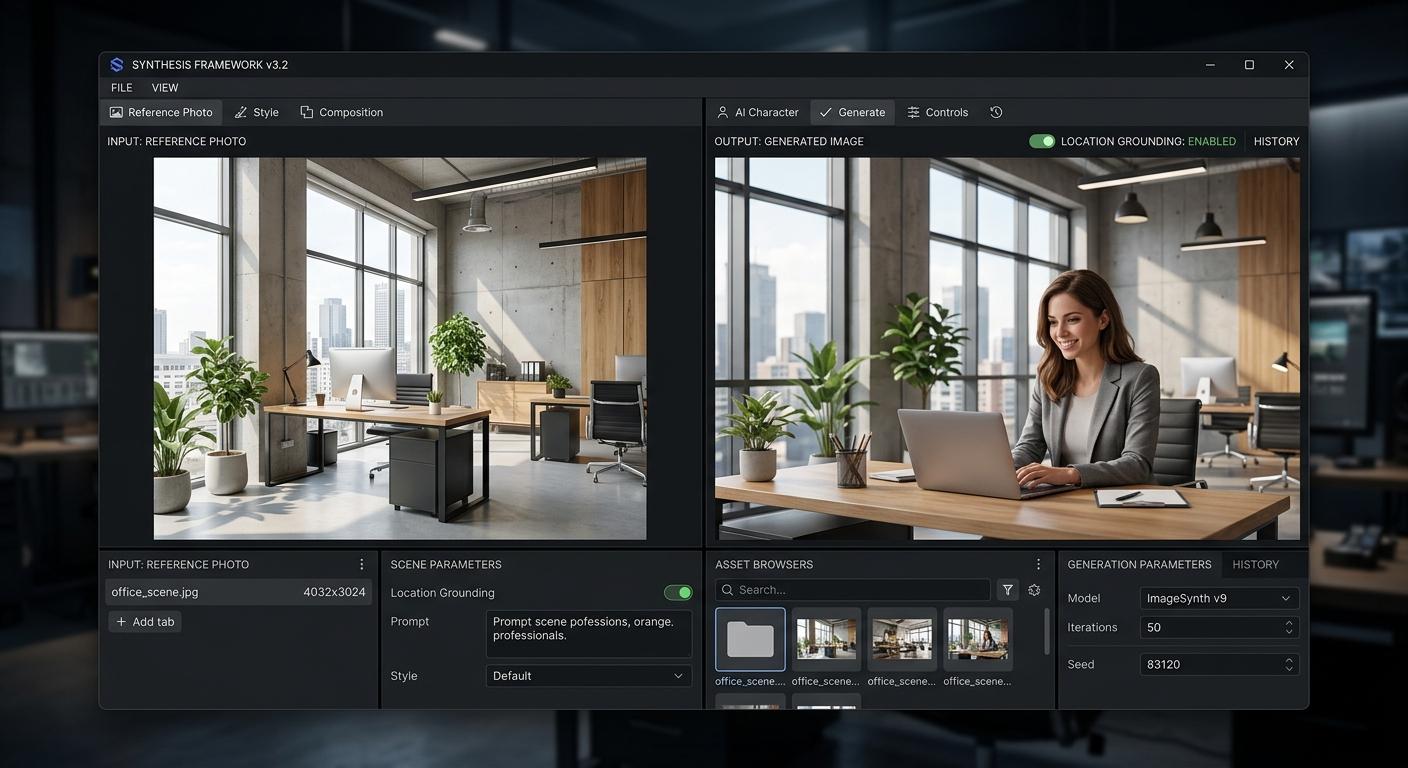
There are honest limits to grounding. Fine signage and exact text on menus, certificates, or chalkboards still drift more than the rest of the scene; if your branding leans on a specific wordmark in the background, treat it the same way you treat product labels and bring in the real photo for posts where the text legibility matters. Drastic angle changes from the reference photos can produce odd geometry on the second pass, so stay reasonably close to the angles you provided. And grounding does not magically fix poor reference photos, so do the upload step well once and you will be set for the year.
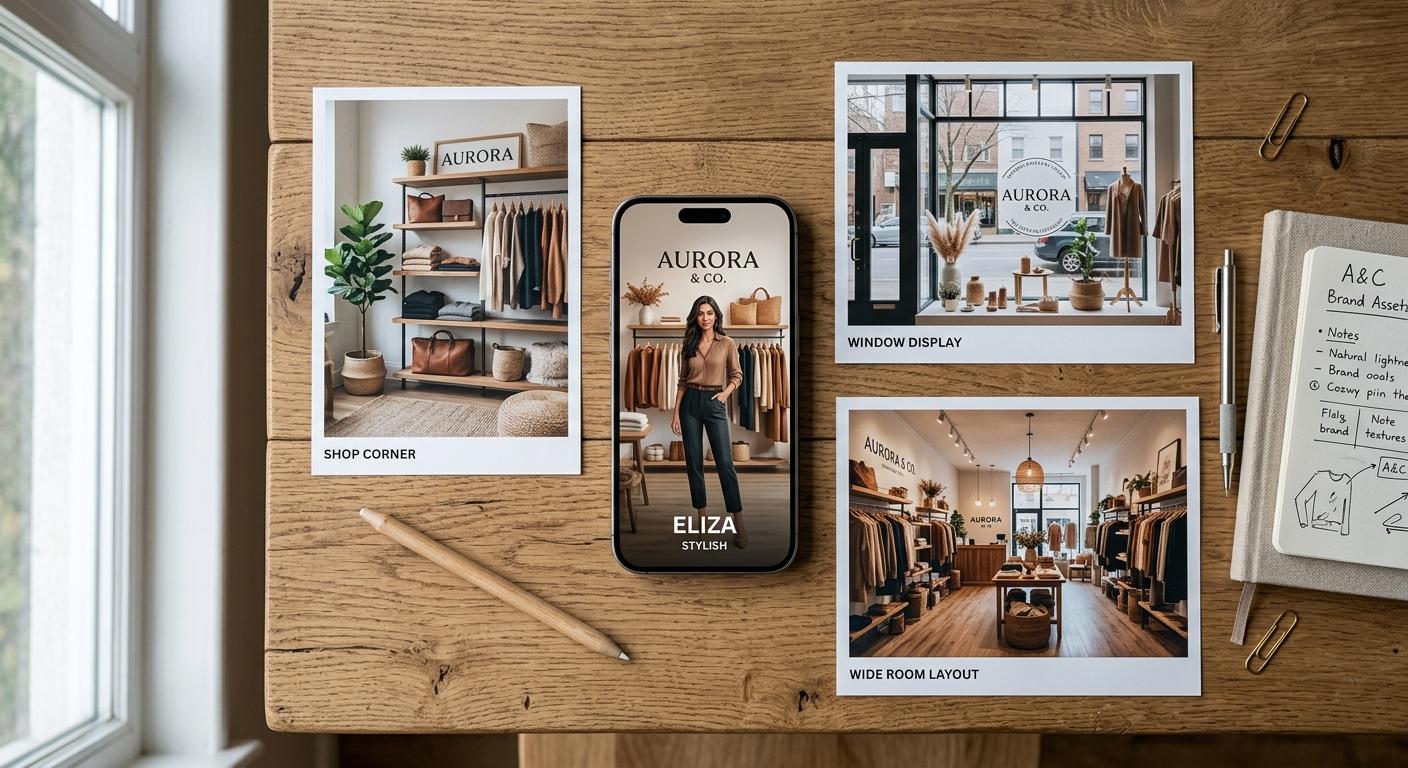
The outcome is the same trust signal that small local businesses have always built through real photography, except now it scales to a weekly cadence. Customers see your room in every post. New customers form a mental image of your space before they ever walk in. And your AI character is no longer in "a cafe" or "an office"; they are in yours. For businesses planning to run a steady weekly cadence built on this kind of locked-venue workflow, our monthly plans and credit packs line up credit allowances with that volume.